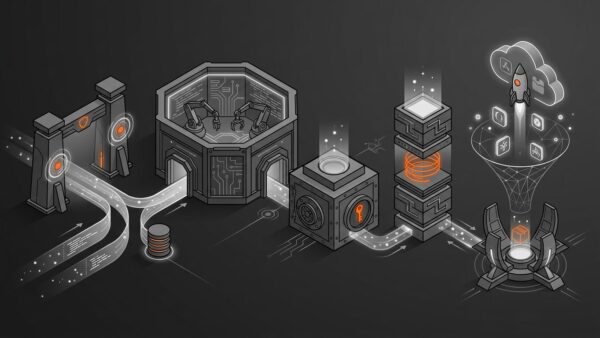
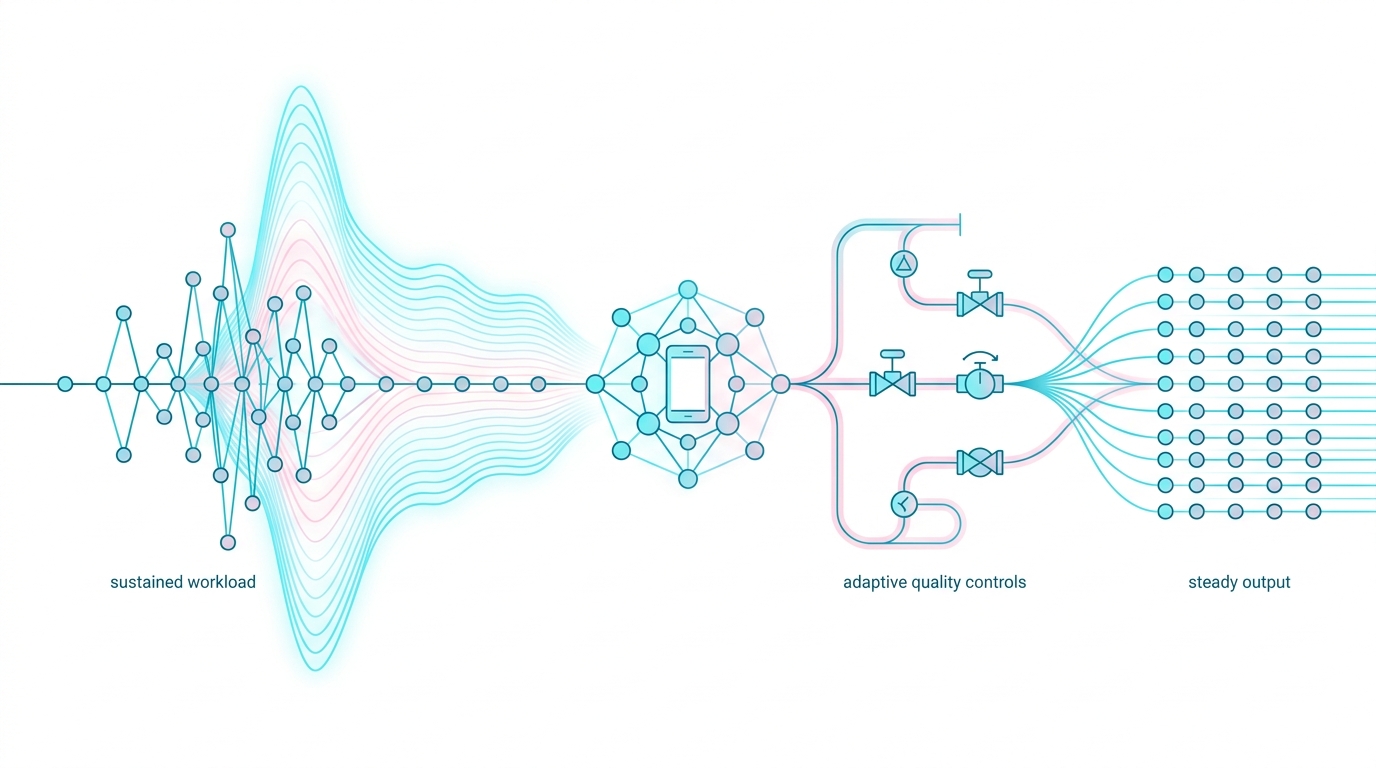
A mobile app can pass every performance test on a cool desk and collapse ten minutes into a real session. Peak speed and sustained speed are different products.
Mobile thermal throttling: the operating system and hardware reduce component power or disable features as thermal pressure rises. The mechanism protects the battery, silicon, radio, display, and user. An app can’t override it safely, but it can detect pressure and reduce expensive work before the system imposes harsher limits.
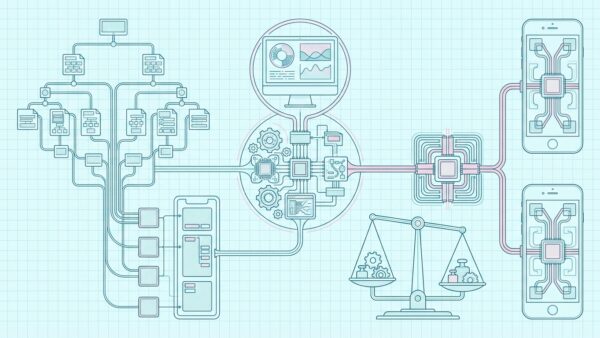
This plan adds three practical artifacts: a heat-budget map covering compute and non-compute sources, a reversible quality ladder tied to workload policy, and a thermal-soak test protocol that measures time series rather than one benchmark score. It targets games, camera pipelines, navigation, mobile AI, media processing, and any app with sustained CPU, GPU, NPU, radio, or display load.

Measure Sustained Work, Not Peak Speed
Thermal performance is a time series. A short benchmark measures cold-device boost behavior, while a real workload includes heat accumulation, proactive mitigation, hysteresis, and recovery.
Define a sustained performance contract with session duration, ambient condition, charging state, network, display brightness, device orientation, case, battery level, and acceptable output. A navigation test at room temperature on Wi-Fi says little about a dashboard-mounted phone in sunlight using cellular data.
scenario: live_camera_inference
duration_minutes: 30
conditions:
  ambient_celsius: [23, 35]
  charging: [false, true]
  network: [wifi, cellular]
budgets:
  p95_frame_latency_ms: 50
  minimum_processed_fps: 20
  maximum_dropped_frame_ratio: 0.02
  thermal_exit_state: serious
Run release builds on physical devices. Record latency, throughput, slow frames, power, battery change, thermal state, brightness, and workload level at regular intervals. Report the warm steady state and the time until quality first degrades.
A flagship that wins the first minute may lose the twentieth. Product policy should prefer predictable output over an impressive cold burst.
Separate throughput from responsiveness
Sustained workloads often fail in two dimensions. Throughput falls because less work completes per second, while responsiveness suffers because queues grow and old work blocks current input. A camera inference pipeline may report an acceptable average frame rate yet act several seconds behind reality. Measure age of result alongside processing rate.
Set queue limits before the test. Real-time systems should usually discard stale intermediate work rather than process every item. Batch systems may preserve every job but need progress, pause, and resume semantics. Mixing those policies creates a pipeline that keeps the processor hot while producing output the user no longer needs.
Warm-up costs also deserve isolation. Model loading, shader compilation, camera startup, and cache population can distort the first samples. Mark those phases in traces, then report both startup and steady behavior. Don’t hide warm-up, but don’t confuse it with the thermal slope.
Build a Complete Heat-Budget Map
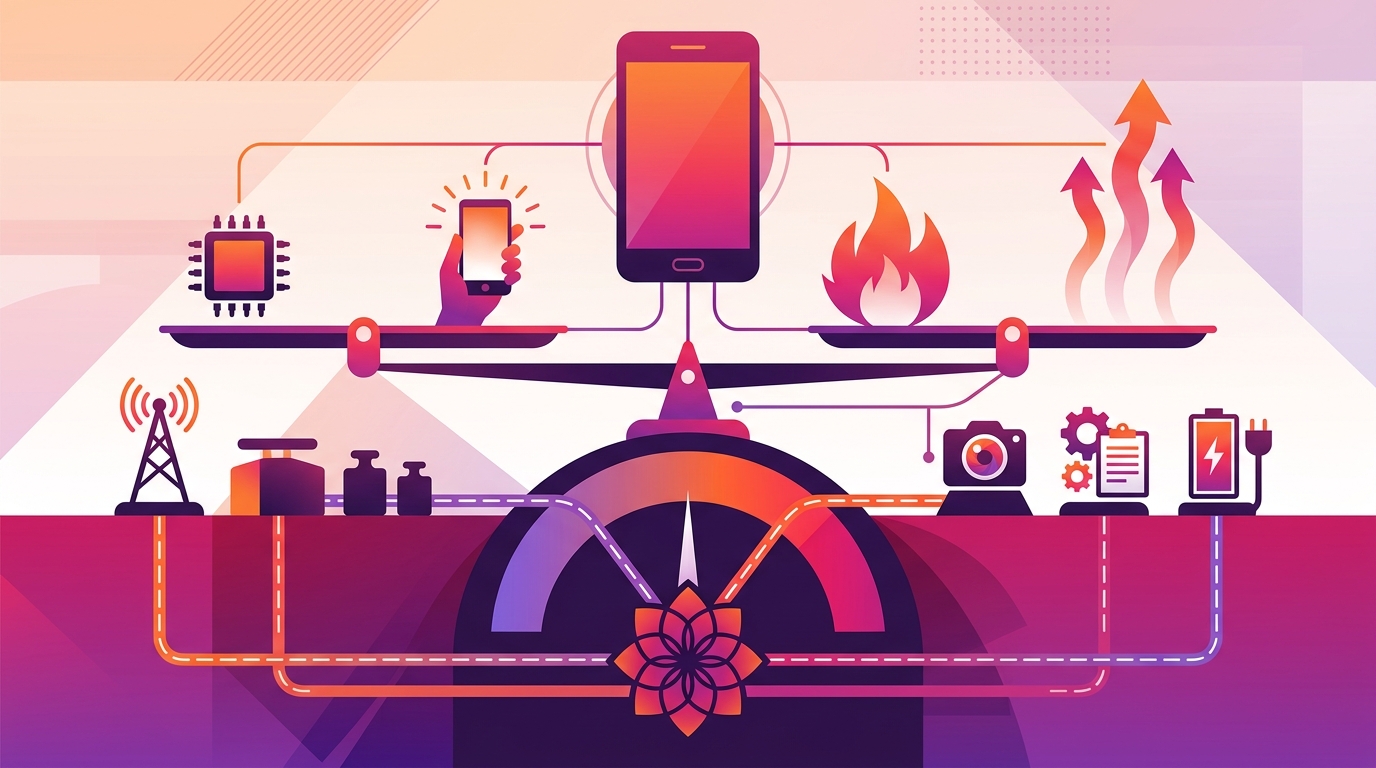
The processor isn’t the only heat source. Display brightness, modem activity, image sensors, memory traffic, storage, battery charging, and power conversion all share a small thermal envelope.
| Source | App trigger | Controllable response |
|---|---|---|
| CPU/GPU/NPU | Rendering, inference, encoding | Reduce rate, resolution, model, effects |
| Display | High brightness, HDR | Avoid forced brightness and HDR |
| Radio | Weak-signal upload | Batch, compress, defer noncritical traffic |
| Battery | Charging under load | Lower work and warn when appropriate |
Instrument subsystem demand, not only CPU time. A camera app can reduce model inference yet remain hot because HDR capture, stabilization, screen brightness, encoding, and upload continue. A map makes those simultaneous contributors visible.
Don’t claim an internal temperature from an undocumented sensor. Platform thermal states represent system policy, not a universal Celsius reading. Use them to choose behavior and use lab instruments when physical temperature measurement is required.
Rank controls by heat avoided per user cost
List every adjustable workload and estimate its benefit to the user’s goal, switching cost, and expected heat reduction. Turning off decorative particles may be nearly free. Halving map update frequency may affect navigation. Lowering camera recording resolution can violate the product promise. This ranking makes the quality ladder defensible.
Remove duplicated work before degrading output. Cache immutable transforms, reuse model sessions, avoid decoding the same frame twice, stop hidden animations, and prevent simultaneous uploads of equivalent media. Waste reduction improves both full-quality and constrained operation without creating a visible compromise.
Then identify coupled controls. Lowering inference rate may also reduce preview overlays and network metadata. Changing display refresh can alter animation pacing. Evaluate the combined system because two individually sensible mitigations may damage responsiveness when applied together.
Observe Android Thermal Signals Safely
Android exposes thermal status through PowerManager and predictive thermal headroom on supported devices. Treat support and device variation explicitly.
import android.content.Context
import android.os.Build
import android.os.PowerManager
import androidx.annotation.RequiresApi
import java.util.concurrent.Executor

class ThermalObserver(
    context: Context,
    private val executor: Executor,
    private val onStatus: (Int) -> Unit
) {
    private val power = context.getSystemService(PowerManager::class.java)
    // Created lazily: OnThermalStatusChangedListener only exists on API 29+, so a
    // property initialiser would reference a missing class on older devices.
    @get:RequiresApi(Build.VERSION_CODES.Q)
    private val listener by lazy {
        PowerManager.OnThermalStatusChangedListener(onStatus)
    }

    fun start() {
        if (Build.VERSION.SDK_INT >= Build.VERSION_CODES.Q) {
            onStatus(power.currentThermalStatus)
            power.addThermalStatusListener(executor, listener)
        }
    }

    fun stop() {
        if (Build.VERSION.SDK_INT >= Build.VERSION_CODES.Q) {
            power.removeThermalStatusListener(listener)
        }
    }
}
Map NONE, LIGHT, MODERATE, SEVERE, CRITICAL, EMERGENCY, and SHUTDOWN into application policy. Preserve unknown values and verify API support. A low status isn’t proof that every component runs at peak frequency.
Android’s thermal API guidance recommends adapting before severe throttling. For supported devices, thermal headroom can help predict proximity to severe status. Poll within documented limits; excessive calls can return invalid data and add noise.
Register one process-level observer and fan out a normalized state. Multiple screens adding unmanaged listeners create lifecycle leaks and contradictory quality changes.
Respond to iOS Thermal State Changes
Apple exposes nominal, fair, serious, and critical states through ProcessInfo. Apps can observe thermal-state notifications and reduce discretionary work.
import Foundation

final class ThermalMonitor {
    private var token: NSObjectProtocol?
    var onChange: ((ProcessInfo.ThermalState) -> Void)?

    func start() {
        onChange?(ProcessInfo.processInfo.thermalState)
        token = NotificationCenter.default.addObserver(
            forName: ProcessInfo.thermalStateDidChangeNotification,
            object: nil,
            queue: .main
        ) { [weak self] _ in
            self?.onChange?(ProcessInfo.processInfo.thermalState)
        }
    }

    func stop() {
        if let token { NotificationCenter.default.removeObserver(token) }
        token = nil
    }
}
At serious pressure, Apple recommends reducing CPU, GPU, and I/O work. At critical pressure, stop nonessential workloads. Follow ProcessInfo thermal-state documentation rather than building policy around private sensor values.
Notifications can arrive while UI state changes. Make policy updates idempotent and thread-safe. The monitor should decide desired workload tier; each subsystem should reconcile itself to that tier.
Create a Reversible Quality Ladder
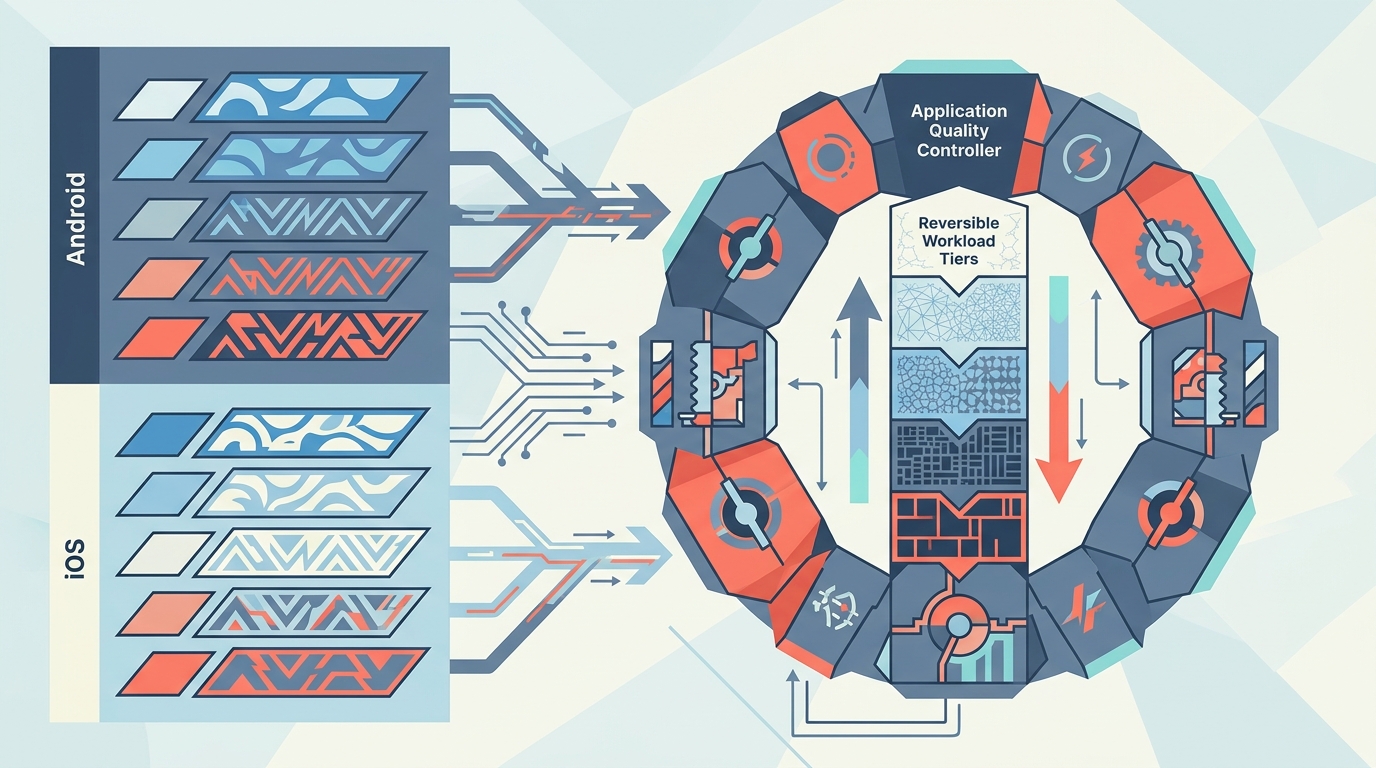
A quality ladder defines ordered, user-safe reductions before thermal pressure becomes severe. Every step must be reversible and preserve the core job.
| Tier | Graphics | AI or media | Network |
|---|---|---|---|
| Full | Target refresh, all effects | Full model or resolution | Immediate optional upload |
| Balanced | Lower effects | Lower sampling rate | Batch telemetry |
| Constrained | Lower frame target | Smaller model or resolution | Defer optional transfer |
| Protective | Static essential UI | Stop nonessential processing | Essential requests only |
Centralize the tier but let subsystems define concrete actions. Abruptly changing camera format, encoder, and inference model at the same instant can cause a larger stall than thermal throttling. Sequence transitions and test them.
Keep safety and correctness independent of quality. A navigation app may simplify 3D rendering but must keep route guidance. A camera may reduce preview effects yet preserve recorded-file integrity.
Add Hysteresis and Recovery Policy
Thermal states can oscillate near a boundary. Immediate upshift on every improvement creates quality flapping and may drive the device straight back into pressure.
Downshift quickly and recover slowly. Require a stable cooler state for a dwell interval, then restore one tier at a time. Reset the timer if pressure rises. Tune intervals from traces rather than copying one value across products.
type Tier = "full" | "balanced" | "constrained" | "protective";

class RecoveryGate {
  private coolerSince: number | null = null;

  canUpgrade(nowMs: number, isCooler: boolean, dwellMs: number): boolean {
    if (!isCooler) {
      this.coolerSince = null;
      return false;
    }
    this.coolerSince ??= nowMs;
    return nowMs - this.coolerSince >= dwellMs;
  }

  reset(): void {
    this.coolerSince = null;
  }
}
Thermal status isn’t the only input. Add workload completion, foreground state, low-power mode, battery condition where exposed, and user intent. Don’t restore expensive background work merely because the device cooled while the app became inactive.
Persist only policy configuration, not stale thermal state. Re-read platform state after process launch.
Control Mobile AI and Camera Pipelines
Continuous inference and camera processing create coupled sensor, memory, accelerator, GPU, and display load. Optimizing one kernel may not reduce total device heat.
Start with rate control. Processing every third frame often preserves task value better than letting latency grow until the pipeline backs up. Keep a bounded queue and drop stale frames for real-time perception. Then consider lower input resolution, smaller model, fewer post-processing passes, or server offload when network and privacy policy allow. The on-device AI mobile app build guide covers memory, model, and hardware acceleration choices that sit beneath this thermal policy.
For capture, separate preview quality from recording quality. Reduce overlays and analysis before degrading the saved artifact. If format changes require session reconfiguration, transition at a safe boundary and notify the user when output materially changes.
Avoid charging-plus-load assumptions in lab tests. Charging adds heat and may change platform policy. Test unplugged, ordinary charging, and product-supported external power conditions. Never encourage cooling practices that cause condensation or violate device guidance.
Use backpressure instead of queue growth
When processing time exceeds input cadence, an unbounded queue converts thermal slowdown into memory pressure and stale output. Give each pipeline a capacity and overflow policy. A live detector can keep the newest frame. A recorder must preserve encoded media or stop cleanly. A document scanner can pause capture until processing catches up.
Timestamp data at acquisition and check freshness before publication. If an inference result describes a frame older than the interaction budget, discard it rather than painting a misleading overlay. This rule protects correctness when thermal policy lowers throughput.
Keep acquisition and processing rates separate. A camera can continue smooth preview while analysis samples less frequently. That design often preserves perceived quality better than reducing the entire capture session, and it avoids expensive session reconfiguration.
Handle Radio, Display, and Background Heat
A smooth UI can coexist with thermal pressure caused by weak-signal cellular upload, maximum brightness, or runaway background work. Compute profiling alone misses these cases.
Batch nonurgent uploads, compress media once, avoid repeated failed transfers, and respect metered-network policy. Weak cellular coverage can raise radio power while extending transmission time. A navigation or live-streaming app should include this in soak tests.
Don’t force maximum brightness unless the use case genuinely requires it. HDR, high refresh, and always-on camera preview consume budget. On OLED displays, scene composition can also affect power, though application policy shouldn’t sacrifice accessibility.
Stop orphan tasks when screens disappear. Cancel timers, camera analysis, location updates, animations, and inference subscriptions according to lifecycle. A phone hot in a pocket often signals work whose owner vanished.
Run a Thermal-Soak Test Matrix
A thermal-soak matrix repeats production-shaped workloads across ambient, power, network, device, and initial-temperature conditions. It seeks the sustained envelope and recovery curve.
- Stabilize the device and record starting conditions.
- Run a scripted user journey long enough to reach steady behavior.
- Sample platform thermal state and performance metrics over time.
- Repeat while charging, on cellular, and at high ambient conditions supported by the device.
- Verify every quality-tier transition and return path.
- Compare cold peak, warm median, tail latency, and time to degradation.
Randomize test order and allow cooldown. A second candidate tested immediately after the first inherits heat and produces invalid comparison. Keep cases and mounts consistent because they change heat transfer.
Use a climate chamber or controlled enclosure only with qualified lab procedures and manufacturer operating limits. Software teams shouldn’t improvise unsafe heating tests.
Observe Thermal Behavior in Production
Production telemetry should identify workload policy and symptoms without collecting private sensor or user data. Record normalized thermal tier transitions, duration, quality level, session category, app version, device class, charging boolean where permitted, and performance outcomes.
Measure time to first downshift, time in constrained tiers, recovery time, session abandonment, dropped frames, inference latency, recording interruptions, and network failures. Segment by model and operating-system version. Aggregates across all phones hide weak devices.
Sample and bound events. A state transition matters; polling every second into analytics wastes power and creates heat while measuring heat. Never upload private media, routes, model inputs, or undocumented hardware values.
Set alerts for regressions after releases. If one app version reaches constrained mode earlier under the same product journey, compare new effects, loops, upload behavior, and background ownership before blaming the operating system.
Normalize policy without flattening devices
Platform states are already device-specific interpretations of thermal pressure, which makes them better policy inputs than guessed temperature thresholds. Still, identical states don’t guarantee identical available performance. A mid-range phone at nominal and a gaming phone at nominal have different envelopes.
Telemetry should compare each device class with its own baseline. Watch changes across app releases and operating-system versions, then inspect absolute user outcomes such as dropped frames or inference age. Avoid publishing a cross-device leaderboard from thermal-state duration alone.
Remote configuration can adjust quality thresholds, but guard it carefully. Validate ranges in the client, preserve a safe default, and version every policy. A server typo shouldn’t disable critical processing or lock all users into maximum load. Roll out policy changes as experiments with explicit stop conditions.
Know When Not to Fight the Governor
Thermal throttling is a safety system, not an obstacle to bypass. Apps should reduce demand, preserve essential work, and stop gracefully at critical pressure.
Don’t keep a high frame target by disabling safeguards, using private APIs, or encouraging unsafe external cooling. Don’t infer one Celsius threshold across devices. Skin comfort, battery condition, component limits, and chassis design differ.
Some tasks shouldn’t run continuously on a phone. Long model training, sustained high-resolution transcoding, or always-on maximum-rate inference may need cloud execution, a specialized device, active cooling designed by the manufacturer, or a bounded batch mode with pauses.
The honest product choice may be lower steady quality. Consistent 30 FPS can serve users better than 60 FPS for five minutes followed by unstable 20 FPS.
Frequently Asked Questions
What is mobile thermal throttling?
Mobile thermal throttling is protective power management that reduces performance or component activity as thermal pressure rises. The operating system may limit CPU, GPU, radio, display, charging, or other subsystems. Apps should observe supported status signals and reduce discretionary workload instead of relying on private temperature sensors or trying to bypass safeguards.
How do I detect thermal pressure on Android?
Use PowerManager currentThermalStatus and an OnThermalStatusChangedListener on supported Android versions. The status ranges from none through shutdown. Supported devices may also expose predictive thermal headroom. Handle unsupported APIs and unknown values, register listeners with lifecycle-safe ownership, and map signals into app workload policy rather than displaying them as universal temperatures.
How do I detect thermal pressure on iOS?
Read ProcessInfo.processInfo.thermalState and observe thermalStateDidChangeNotification. The states are nominal, fair, serious, and critical. Reduce expensive work as pressure rises and stop nonessential work at critical status. Keep transitions idempotent and thread-safe because multiple subsystems may respond to one normalized application policy.
Why does performance fall only after several minutes?
A phone initially absorbs heat in its chassis and may use short boost frequencies. Sustained workload eventually exceeds heat dissipation, so proactive or reactive controls reduce power. This thermal ramp is why short benchmarks misrepresent long camera, gaming, navigation, and inference sessions. Measure a time series until behavior stabilizes.
What is the difference between throttling and an app performance bug?
A performance bug wastes work regardless of thermal state, while throttling changes available hardware performance under pressure. They interact: inefficient code creates heat sooner, and lower clocks magnify bottlenecks. Correlate traces, workload, thermal transitions, charging, radio, and elapsed time. Reproduce after cooldown and across devices before assigning cause.
When should an app lower quality?
Downshift before severe pressure when sustained output matters. Use an ordered quality ladder that preserves core function: reduce optional effects, sampling rate, resolution, model size, or background transfer. Restore slowly after a stable cooler interval. Critical safety, recording integrity, navigation guidance, and user data must not depend on visual quality tier.
Does charging make thermal throttling worse?
Charging adds battery and power-conversion heat, leaving less thermal budget for the application. The effect varies by device, charger, battery condition, ambient temperature, and workload. Test supported charging scenarios explicitly. Apps can lower discretionary work under combined load, but they shouldn’t make unsupported hardware claims or tell users to use unsafe cooling.
Can an app prevent thermal throttling completely?
No. Hardware and operating-system policy control thermal protection. An app can delay pressure and improve sustained behavior by removing waste, pacing work, batching radio use, lowering quality, and stopping orphan background tasks. Some workloads exceed a phone’s passive cooling envelope and need bounded sessions, offload, or specialized hardware.
How should thermal performance be benchmarked?
Use release builds on physical devices and define duration, ambient condition, charging, network, display, case, battery, and workload. Record performance and thermal state over time, report warm steady behavior and time to degradation, randomize test order, and cool devices between runs. A single peak score isn’t a sustained-performance result.
Is mobile thermal optimization worth the effort?
Yes for sustained games, media, navigation, camera, AI, and communication workloads. For short or lightweight interactions, basic lifecycle and profiling work may be enough. Start by measuring production-shaped sessions. If users never reach pressure, don’t add a complex adaptive system. If they do, quality policy becomes part of product reliability.
Optimize the Warm Device
Mobile thermal throttling reveals the difference between code that runs fast once and a product that stays useful. Build for the latter.
- Define a sustained workload contract and heat-budget map.
- Use supported Android and iOS thermal signals.
- Downshift through a reversible quality ladder.
- Add hysteresis so recovery doesn’t cause oscillation.
- Measure thermal soak and production outcomes by device class.
Begin with the longest valuable journey, run it on a warm mid-range phone, and trace every heat contributor. Remove wasted work first. Then decide which quality reduction preserves the user’s goal. Predictable degradation is an engineering feature, not an admission of defeat.